How to Call Any Phone Number from Your Browser (No App, No SIM)
Call landlines and mobiles worldwide from Chrome, Edge, Firefox or Safari. How browser calling works, what it costs per minute, and how it compares.
Get a numberUK & US numbers from $2.00/month
Need a UK or US number? Get one from $2.00/month, no SIM →
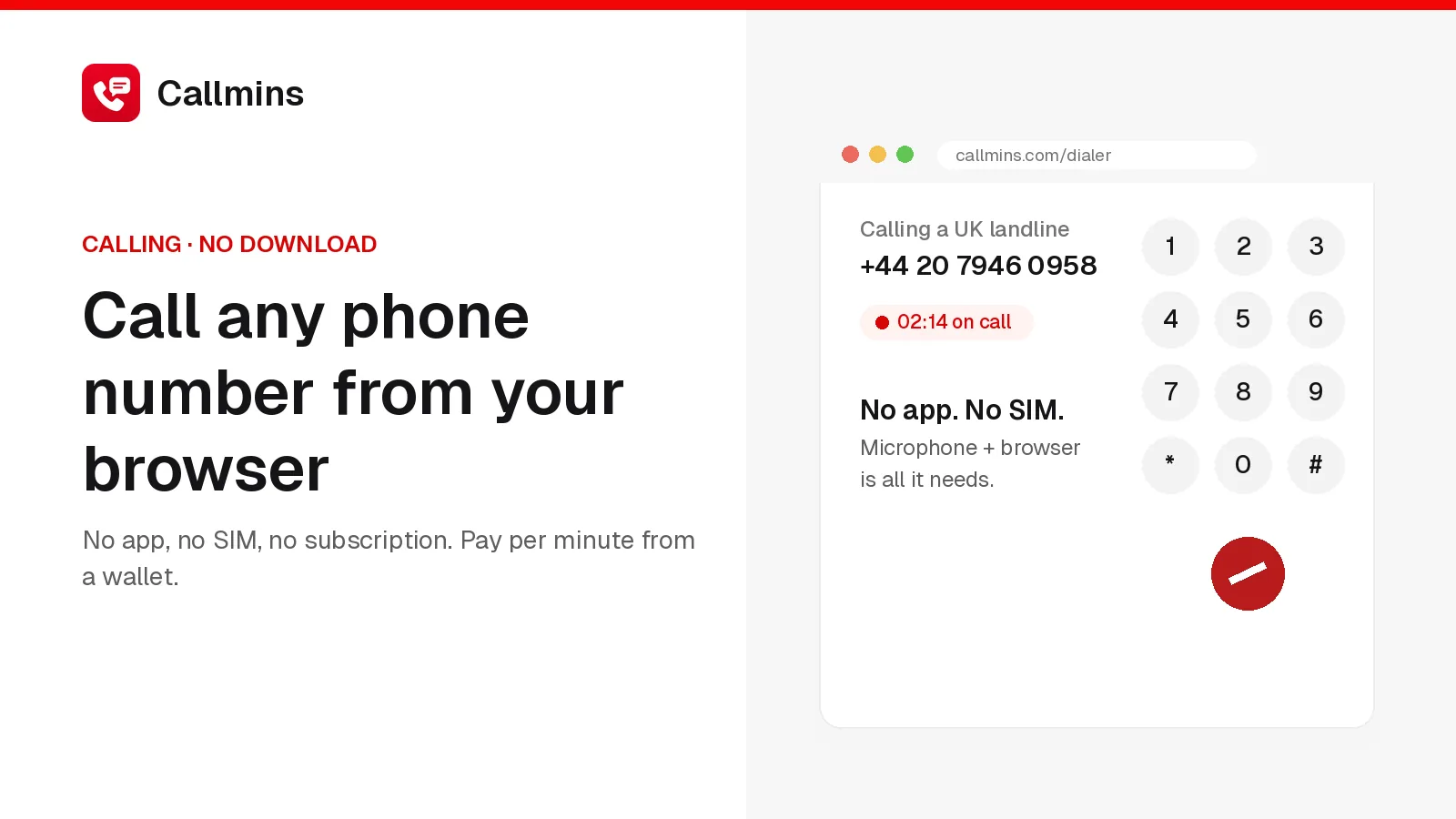
You can call any landline or mobile from a web browser, with no app download, no SIM card and no subscription. Browser calling services like callmins use WebRTC to send your voice from Chrome, Edge, Firefox or Safari to a carrier that connects the call to the phone network. You pay per minute from a prepaid wallet. On callmins a call to a UK landline costs up to $0.016/min and a US number up to $0.017/min. A top-up starts at $5.
Since Skype shut down, browser calling has become the easiest way to reach someone who isn't on WhatsApp: an elderly parent on a landline, a bank's helpline, a hotel, a government office. This guide explains how it works, what it costs and how it compares with the alternatives.
How calling from a browser works
When you press call, the browser asks for microphone access, then streams your audio over WebRTC, the same standard Google Meet uses, to a media server. On callmins, that server hands the call to our carrier, Telnyx, over a SIP trunk, and Telnyx rings the number in the country you dialled. The person you call answers an ordinary phone call; they don't need any app.
Because the heavy lifting happens on servers, the browser tab is all you need. That makes it useful on work laptops where you can't install software, shared computers, and Chromebooks.
How to make your first call
- Create a callmins account with email or Google. There is no phone verification.
- Top up the wallet by card, from $5.
- Open the dialer and allow microphone access when the browser asks.
- Type the number with its country code, for example +44 for the UK or +92 for Pakistan, and press call. The dialer shows the per-minute price before you connect.
What it costs
Typical callmins rates per minute:
| Destination | Landline | Mobile |
|---|---|---|
| United Kingdom | $0.016 | $0.038 |
| United States | $0.017 | $0.017 |
| India | $0.052 | $0.059 |
| Pakistan | $0.084 | $0.074 |
These are the highest prices across our caller IDs; calling from a local number can be cheaper. Every other country is on the callmins international call rates page.
Browser calling vs the alternatives
| Option | Install needed | Calls real phones | How you pay |
|---|---|---|---|
| Browser calling (callmins) | No | Yes, worldwide | Per minute from a wallet |
| WhatsApp, Meet, Teams Free | No (web versions) | No, app users only | Free |
| Calling apps (Viber Out, Rebtel, Talk360) | Yes, phone app | Yes | Credit or plans |
| Google Voice | No | Yes | Free in the US; per minute abroad; US residents only |
| Your mobile carrier | No | Yes | International add-ons, often costly per minute |
Free app-to-app calls are unbeatable when the other person has the app. Browser calling earns its place for everyone else, and for those times you need to call from a laptop. Our Skype alternatives guide compares the options by what you used Skype for.
Getting a number people can call back
Outgoing calls work without renting anything. If you want people to recognise you or call you back, rent a number and show it as your caller ID. A UK number costs $3.00/month, no setup fee and a US number $2.00/month, no setup fee. Incoming calls ring in the browser tab or in the callmins app for iPhone, Android or Mac, and texts arrive in your inbox. See the callmins virtual phone numbers for the UK, US and Canada.
Tips for clear browser calls
- Use a wired or Bluetooth headset rather than laptop speakers to avoid echo.
- Close video calls and big downloads in other tabs.
- On Wi-Fi, sit near the router; a stable signal matters more than speed.
- Keep the tab open to receive incoming calls, or install the callmins app for iPhone, Android or Mac.
What browser calling can't do
It can't call emergency numbers, so keep a mobile or landline for 999, 911 and 112. It also depends on your internet connection: on a weak signal, a normal mobile call is more reliable. For cheap calls to specific countries, see our guides to calling Pakistan and calling India.
Common questions
Can I call a phone number from my browser for free?
Calls from a browser to app users (WhatsApp Web, Google Meet, Teams) are free, but calls to real landlines and mobiles cost money because a carrier has to connect them. Browser calling services such as callmins charge per minute from a prepaid wallet, with no subscription.
How do I call a phone from my computer without an app?
Open a browser-based calling service such as callmins.com, sign up, top up (from $5), allow microphone access when the browser asks, type the number with its country code and press call. Nothing is installed; the call uses WebRTC, the technology video-call sites use.
Which browsers work for calling phones?
Current versions of Chrome, Edge, Firefox and Safari support WebRTC, which browser calling needs. A headset gives the clearest audio, and a stable connection matters more than raw speed.
What number does the person I call see?
If you rent a callmins UK, US or Canadian number, you can show it as your caller ID, so people see a familiar local number and can call you back in the browser.
Is browser calling a Skype replacement?
For calls to real phones, yes. Skype closed in May 2025, taking Skype Credit calling with it. A browser calling service covers the same need: pay a few cents a minute to ring landlines and mobiles worldwide from a laptop.