UK Number for WhatsApp (+44): How to Get One Without a UK SIM
How to get a UK +44 number for WhatsApp without a UK SIM or address, set it up step by step, use the same number for Facebook and Instagram, and keep the account safe.
Get a numberUK & US numbers from $2.00/month
Need a UK or US number? Get one from $2.00/month, no SIM →
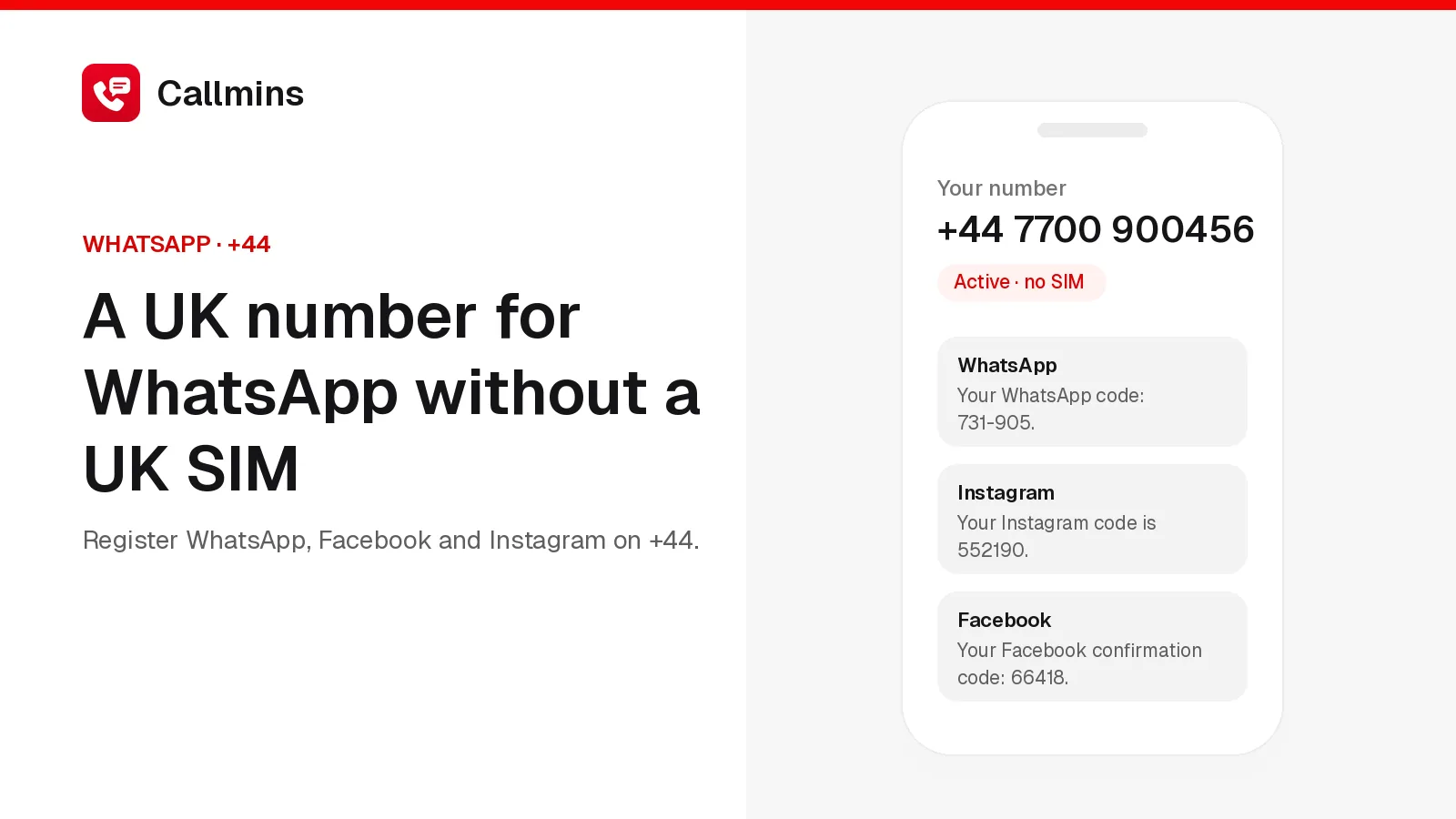
Yes, you can get a UK number for WhatsApp without a UK SIM, a UK address or any ID. WhatsApp only needs a +44 number that can receive its six-digit code, and a private UK virtual mobile number (+44 7…) receives it like any other UK mobile. On callmins one costs $3.00 a month or $30.00 a year, with no setup fee, and is usually active within minutes. The same number can also verify Facebook and Instagram.
This guide covers who a UK WhatsApp number is for, how to set one up step by step, what to do if the code doesn't arrive, how to use it for Facebook and Instagram, and how to make sure you never lose the account.
Can you use a UK number for WhatsApp from abroad?
Yes. WhatsApp doesn't check where you are or which SIM is in your phone. It sends a code to the number you enter, by SMS or by an automated voice call, and whoever can read that code owns the account. A UK virtual number receives texts and calls in an app, so you can register it from Pakistan, India, the UAE, Nigeria or anywhere else.
People usually want a UK WhatsApp number for one of these reasons:
- Family and friends are in the UK and expect a +44 number they recognise.
- You sell to UK customers and want WhatsApp Business on a local number, separate from your personal one.
- You moved abroad, gave up your UK SIM, and want to keep a UK number for WhatsApp, deliveries and sign-ups.
- Privacy: you'd rather give sellers, landlords and dating matches a second number than your own.
What kind of UK number works
Use a UK mobile number, one that starts +44 7. WhatsApp can verify landlines by voice call, but a mobile number receives the SMS code too, which is faster and lets you use the number for other apps that only text.
Avoid the free "receive SMS online" sites. Their UK numbers are public: anyone visiting the page can read the code, and the number is reused for other people, who can later take over your WhatsApp by requesting a new code. Many of those numbers are also already blocked by WhatsApp. Our full guide to virtual numbers for WhatsApp explains the risks in detail.
How to get a UK number for WhatsApp, step by step
- Create a callmins account. Pick a UK number and sign up with your email or Google. No ID, no UK address, no phone number needed.
- Add money. Top up from $5 by card. A UK number is $3.00 a month, or $30.00 for a year (two months free).
- Choose your number.Open Numbers → Buy → United Kingdom, pick a +44 7 number from the list and confirm. It's usually active within a few minutes; the Numbers page shows "Ready" when it is.
- Open the callmins app. Install it on iPhone or Android, or keep callmins open in your browser, so you can see the code arrive.
- Register WhatsApp. In WhatsApp (or WhatsApp Business), choose United Kingdom, enter your new number without the leading 0, and tap Next. The code arrives in callmins under Messages.
- If no text arrives, wait for the timer and choose "Call me". The call rings in the callmins app, and an automated voice reads the code out. Receiving it is free.
When the WhatsApp code doesn't arrive
- Check the number is Ready.A UK number that is still "Activating" can't receive yet. Give it a few minutes.
- Check the format. Select United Kingdom (+44) and type the number as 7…, without the 0 in front.
- Use the voice call option. It often works when an SMS is slow.
- Don't request codes again and again. WhatsApp adds a longer wait after each attempt. If several tries fail, wait a few hours.
- Still nothing?WhatsApp occasionally refuses particular number ranges. Email info@callmins.com with the number and we'll help you move to another one.
Using the same UK number for Facebook and Instagram
One callmins number can be registered with WhatsApp, Facebook and Instagram at the same time. Each app sends its own code to the number, and each code arrives in the same callmins inbox.
You can sign up with an email address or a mobile number. To add the UK number later, go to Settings → Accounts Centre → Personal details → Contact info, add the number and enter the code Facebook texts you. A number on the account also helps you recover it if you lose access to your email.
Choose "Sign up with mobile number" and enter the +44 number, or add it afterwards under Accounts Centre → Personal details. Instagram sends a six-digit code by SMS.
Facebook and Instagram, like WhatsApp, sometimes reject numbers they classify as internet-based, and their checks change over time. Most callmins UK numbers work, but if one is refused, use your email address for that app instead.
Keep the number, keep the account
WhatsApp asks for a new code when you change phones, reinstall the app, or sometimes after a long gap. If you've given the number up by then, whoever gets it next could take over your account. So:
- Keep the number renewing. callmins renews it from your balance; yearly billing means one payment a year. Turn on auto top-up in Wallet so a low balance never releases it.
- Turn on WhatsApp two-step verification(Settings → Account → Two-step verification) and add an email. Then a code alone isn't enough to take the account.
- Never share the code. No real company asks for your WhatsApp code.
Common questions
Is it legal to use a UK virtual number for WhatsApp?
Yes. Virtual numbers are ordinary phone numbers issued by licensed carriers, and WhatsApp allows any number you can verify. Use it for your own account, not to impersonate anyone or send spam.
Do I need to live in the UK?
No. callmins sells UK numbers to people in any country, with no UK address and no ID check.
Do I need a UK SIM card?
No. WhatsApp only checks that the +44 number receives its code once, by SMS or voice call. A callmins UK number receives the code in your browser or the callmins app, and WhatsApp then runs on whatever phone and SIM you already have.
Will my contacts see a UK number?
Yes. Your WhatsApp profile shows the +44 number you registered, whichever SIM is in your phone.
Can I keep my existing WhatsApp and add a UK one?
Yes. Use WhatsApp Business for the UK number alongside your normal WhatsApp, or a second account on phones that support it. Each account needs its own number.
How much does a UK number for WhatsApp cost?
$3.00 a month or $30.00 a year on callmins, with no setup fee. Receiving WhatsApp codes, calls and texts is free; you only pay for calls and texts you send.
The short version
- A private UK +44 7 virtual number works for WhatsApp from any country.
- No UK SIM, address or ID needed; usually active within minutes.
- The same number can verify Facebook and Instagram.
- Keep it renewing and turn on two-step verification so the account stays yours.